WordPress is free, open-source software you download from WordPress.org and install on hosting you control. In August 2026 the current release is WordPress 7.1 “Mary Lou.” Official pages say it powers more than 43% of the web. That is a project claim, and it is the reason “WordPress alternative” is still one of the most common software searches on earth.
WordPress is a CMS. It is not a hosted website builder like Wix, and it is not an AI that starts a company. You (or your host, or your developer) still choose the server, the theme, the plugins, the backups, and the business model.
Curious how it stacks up against Willo? Check out our comparison between WordPress and Willo.
What is WordPress?
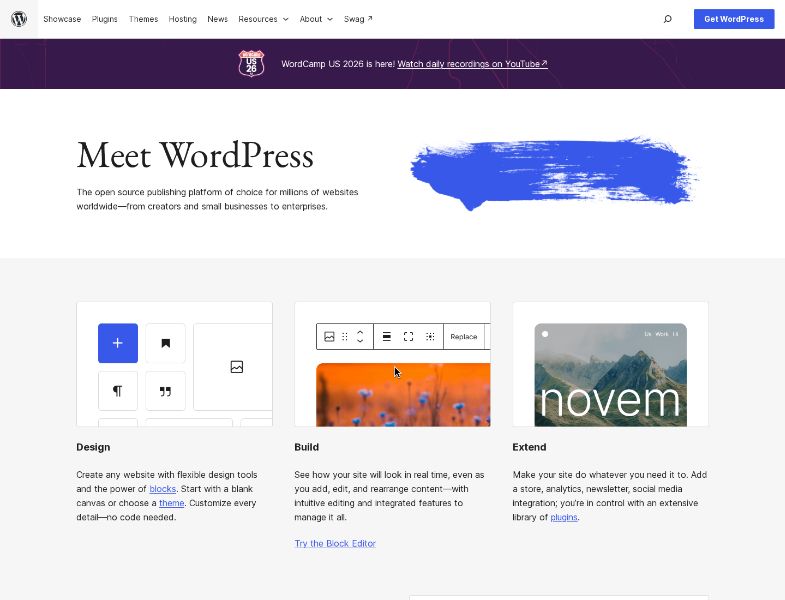
WordPress started in 2003 when Mike Little and Matt Mullenweg forked b2/cafelog. It is licensed under the GPLv2 or later. The about page describes a mission to democratize publishing and lists the four GPL freedoms: run, study, redistribute, and distribute modified versions.
Naming matters. Official docs distinguish:
- WordPress / WordPress.org — the software. Download it, install it anywhere that meets the requirements, own the files and database.
- WordPress.com — a hosted service run by Automattic, launched in 2005, powered by WordPress plus Automattic’s own layers.
This review is about the self-hosted software. Prices, plugin limits, and support SLAs you see on WordPress.com ads do not automatically apply here.
On G2, WordPress.org was 4.4 / 5 from 9,546 reviews as of August 2026 (64% five-star, 27% four-star).
How WordPress.org works
1. Get hosting and a domain
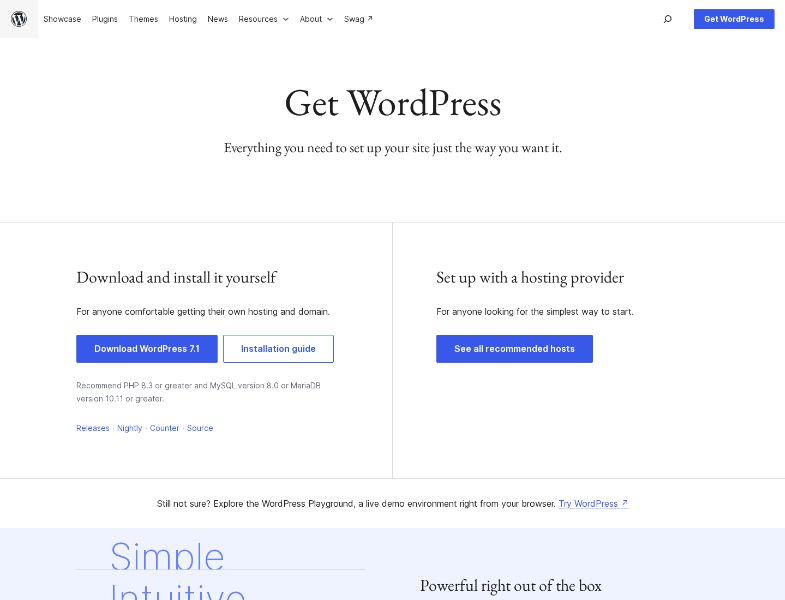
WordPress.org does not host your site. The download page splits the path:
- Install it yourself if you are comfortable with hosting and a domain.
- Use a recommended host for the simplest start. The hosting page currently lists Pressable, Bluehost, and Hostinger. Some donate a portion of the fee back to WordPress.org when you click through.
Requirements (recommended): PHP 8.3+, MariaDB 10.11+ or MySQL 8.0+, HTTPS. Apache or Nginx preferred. WordPress still runs on PHP 7.4+ and MySQL 5.5.5+, but those versions are end-of-life and may expose your site to security vulnerabilities.
2. Install
Many hosts offer one-click installers. Or create a database, upload the ZIP over FTP, and run the installer.
You can try the software first in the WordPress Playground (browser demo) or the Block Editor sandbox.
3. Design and publish
Out of the box you get posts, pages, media, comments, user roles, and the block / Site Editor. Pick a default theme (Twenty Twenty-Five is current in the directory) or one of over 15,000 free themes. Customize with Global Styles and patterns. No code required for a basic site; developers can go as far as they want.
4. Extend
The plugin directory advertises over 70,000 free plugins: forms, SEO, caching, memberships, forums, page builders (Elementor is among the most-rated), and WooCommerce for stores. Premium plugins live outside the.org directory.
5. Maintain it
You own updates for core, themes, and plugins. You own backups, SSL renewal, and security. That is the product. Community help lives in documentation and forums.
Key features
Block editor and WordPress 7.1
7.1 (August 2026) is built around how people already work in admin:
- Responsive styles in the Site Editor and block settings, without custom CSS, plus viewport previews
- Admin bar that stays with you across the Site Editor and block editor
- Media editor modal: crop, flip, rotate, metadata (Crop button still opens it)
- Notes anywhere in content, with rich text and @mentions
- New Playlist and Tabs blocks; Icon block API for custom icon sets
This is editor maturity, not an autonomous business agent.
Themes, plugins, and developers
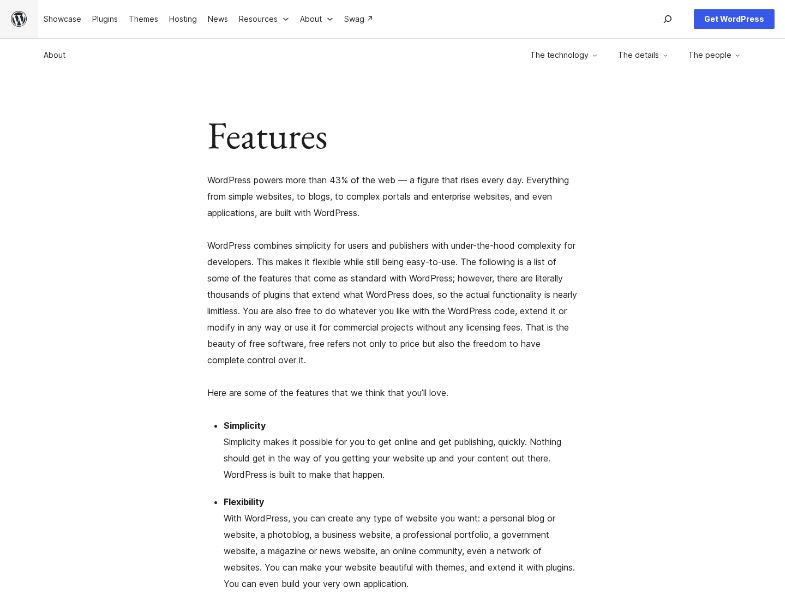
Official features emphasize flexibility: blogs, portfolios, magazines, government sites, communities, even applications. Developers get hooks, a theme system, custom post types / taxonomies / metadata, and a REST API.
Publishing tools
Drafts, scheduled posts, revisions, public/private/password visibility, media library with alt text and galleries, comments with moderation, 70+ languages.
Roles
Administrator, Editor, Author, Contributor, Subscriber — enough for a newsroom or a small team without a separate CMS.
WooCommerce
WooCommerce is the usual commerce answer: open-source store on WordPress, you pick host and payment stack. WooCommerce.com claims 4M+ online stores and 31% of the top 1 million ecommerce sites (citing Store Leads). Those are Woo’s figures. Core plugin is free; extensions and processing are not.
What WordPress does not do
It does not research your market, write a brand system, open Stripe for you, or run a weekly growth loop. It does not include hosting. AI is optional (core experiments plus third-party plugins), not a seven-agent operating team. Those gaps are the point of open software: you assemble the rest.
Pricing and plans
| Cost | Typical reality |
|---|---|
| Software license | $0 (GPL) |
| Domain | Separate registrar |
| Hosting | Paid third party; recommended hosts bundle domain/SSL/CDN — confirm their sites |
| Free themes / plugins | .org directories |
| Premium themes / plugins | Optional |
| WooCommerce core | Free; paid extensions common |
| Maintenance | Your time or a contractor |
Compare that to a website builder’s all-in monthly fee only after you add hosting and upkeep. A brochure on cheap shared hosting can be a few dollars a month. A Woo store with premium SEO, backups, and a retainer is a different budget.
User feedback and reputation
G2 — 4.4 / 5 from 9,546 reviews (August 2026)
Star mix: 64% five-star, 27% four-star, 6% three-star, 1% two-star, ~0% one-star.
Public themes in that corpus, consistent with how the product works:
- Like: flexibility, you can build almost any site, huge ecosystem, content control
- Dislike: setup and learning curve, updates, uneven plugins, performance if you pile extensions on
Pros and cons
Pros
- Free software with real legal freedom (GPL)
- You own content, files, and the right to move hosts
- Unmatched plugin/theme ecosystem
- Serious CMS: roles, revisions, CPT, REST API
- WooCommerce path for commerce
- 7.1 keeps improving the editor without forcing a page-builder plugin
- Enormous community, docs, and talent pool
- High G2 volume and a strong average
Cons
- “Free” hides hosting, security, and maintenance
- You assemble email, SEO, forms, and payments yourself
- Plugin conflicts and abandoned extensions are a real operational risk
- Support is volunteer forums unless you pay a host or agency
- Not a business-in-a-box
- Easy for non-technical owners to ship an insecure or slow site
Limitations and challenges
You are the vendor. Core is maintained by the project. Your site is maintained by you. Miss updates and you inherit the internet’s favorite attack surface.
Ecosystem sprawl. 70,000 plugins is a feature and a foot-gun. Quality is uneven. Caching + page builder + SEO + form plugin is a classic slow stack.
AI is not the product. If you searched “WordPress alternative” because you wanted agents to run a company, you are in the wrong aisle.
.org vs .com confusion. Buying a WordPress.com plan does not make you a self-hosted expert, and installing .org does not give you Happiness Engineers.
Who WordPress.org is best for
- Publishers and content teams that need a real CMS
- Developers and agencies standardized on WordPress
- Merchants who want WooCommerce and host portability
- Organizations with compliance or data-residency reasons to self-host
- Anyone who already has (or will hire) a maintainer
Who may want an alternative
- Founders who need research, brand, and weekly growth work — not only a CMS
- People who do not want PHP, plugins, or update nights
- Teams that want a hosted builder with 24/7 vendor support (Wix, Squarespace, WordPress.com)
- Stores that prefer Shopify’s hosted checkout over Woo
- Users who want a GitHub-deployed site without standing up MySQL
Willo as an alternative
Willo is an AI business builder, not a CMS. You describe a business. Agents research the market, create a brand, deploy a website to your GitHub repo, prepare Stripe, and keep working on content and operations.
Willo does not match WordPress’s plugin directory, roles model, or WooCommerce. It does include hosting and states a 0% platform fee on Stripe Connect. Chat is free. Plans (August 20, 2026) start at $0 (40 one-time credits) and $25/month for Starter. Custom domains start on Builder ($49/month).
That is a better starting point if you do not have a site or anyone to administer WordPress. It is a worse starting point if you already know you want self-hosted WordPress.
Frequently asked questions
Is WordPress.org free?
The software is free. Hosting, domains, and optional premium plugins are not.
What is the latest version?
WordPress 7.1 “Mary Lou,” released August 2026. Confirm on wordpress.org/download.
Do I need WordPress.com?
No. .com is optional managed hosting. .org is the software. You can start on .com and later export, or start self-hosted immediately.
Is WordPress good for SEO?
Official features say it is optimized out of the box, with SEO plugins for finer control. Results still depend on content, hosting speed, and how you configure those plugins.
Can I build a store?
Yes, typically with WooCommerce. That is a plugin stack, not a Shopify-style hosted store.
How hard is security?
HTTPS is required. Recommended PHP/MySQL versions matter. You still need updates, strong passwords, and usually a security/backup plugin or a host that handles them.
Conclusion
WordPress is still the open web’s default CMS: free, portable, and deep enough for NASA or a neighborhood blog. Version 7.1 makes the editor more pleasant. The durable costs are hosting, plugins, and the fact that you run the machine.
If that is the job, download WordPress or start with a recommended host. If the job is standing up a business — research, marketing, brand, site, payments, weekly agents — start free on Willo and compare from there.